Impeccable
Frontend design
Commands and checks for typical AI design patterns, for steps 7 and 9.
Guide · October 2026
Free agent skills that take you from facts and personas to a tested prototype, in eleven steps from established design practice. The agent does the work. You make the decisions, on a short review page after every step.
The problem
Ask an AI for a website and you get one in minutes. It usually looks familiar: the same fonts, a purple gradient, three cards in a row. Anthropic calls this distributional convergence: without constraints, a model picks the most likely option, and the most likely option is the average of the web.
More prompting rarely fixes it. What is missing are decisions: who the site is for, what is true about the offer, what it should feel like and what it must not look like. A design agency gets those from a process. These skills give your agent the same process.
AI changes one thing about that process. Variants used to be expensive, so teams made few. Now an agent can draw ten in an hour. The bottleneck moves from making to deciding, so every step here ends with a decision, not with a deliverable.
How it works
SKILL.md files. For Claude Code:git clone https://github.com/caelo-cms/website-design-skills
cp -r website-design-skills/skills/* ~/.claude/skills/The project lives in plain files: STATUS.md says where you are, DECISIONS.md records every decision with date and source. Close the laptop, come back next week and say "Let's continue".
Phase 1 · Understand
Most redesigns start with colours. These two steps come first because every later step builds on them, and because an AI fills every gap with something plausible.
Phase 2 · Define
Structure and message are cheap to change on paper and expensive to change in a finished design. Grey wireframes keep the discussion on content.
Phase 3 · Develop
This is where AI defaults creep in. Real references, named directions and explicit anti-defaults keep the result away from the average.
Phase 4 · Deliver
The agent builds from the tokens and looks at its own screenshots on phone and desktop before you see anything.
Moodboards
AI-generated moodboards show what the model already knows, which is exactly the look you want to escape. So the skill asks for around 24 real references: about half of them not websites at all (print, interiors, signage, photography), and at most a quarter from competitors.
You rate each one keep, change or drop and say why in a few words. The agent turns that into a taste profile with mood words, things to avoid and the reference behind each rule. A later round checks the direction with a word test: which three words describe it?
Case study
The process comes from our own work. These are the real review pages from the redesign of this site, in German, our working language.
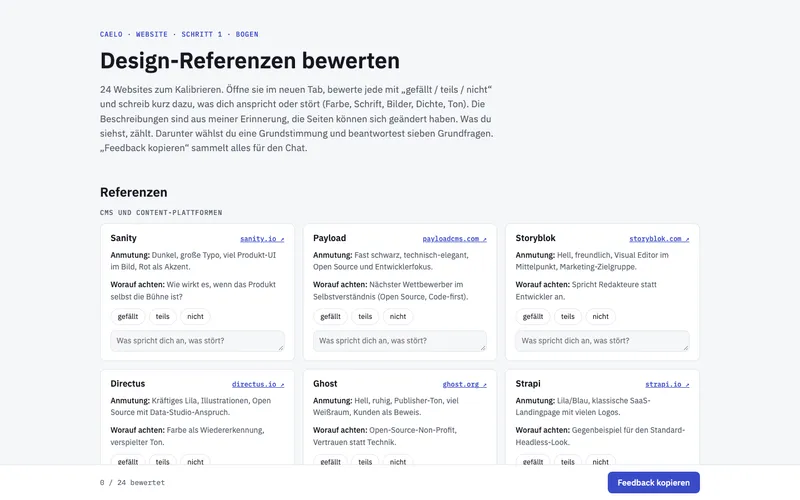
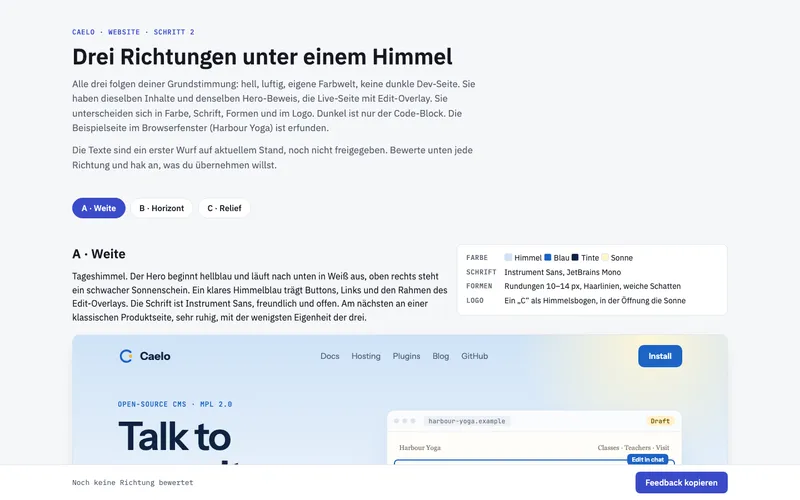
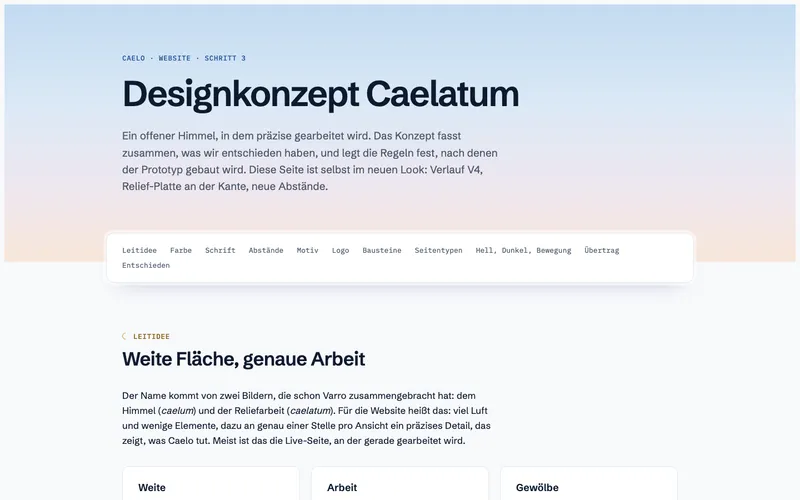
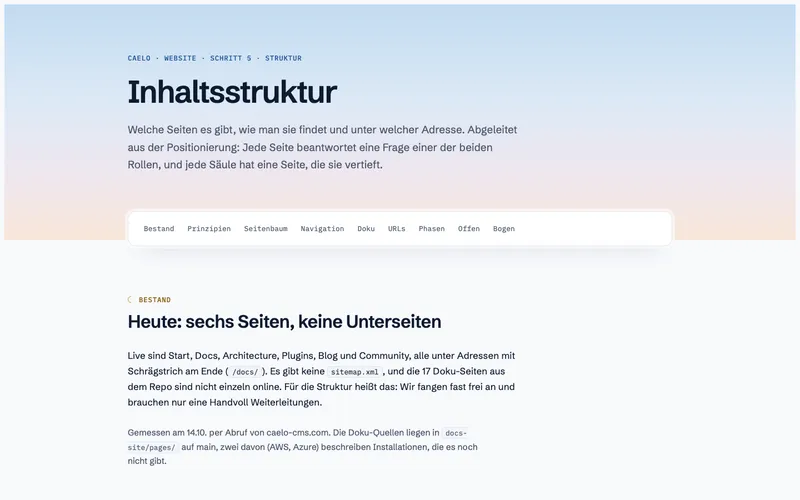
Our own redesign compared full pages in the directions step. It worked, but every round reopened layout questions. That is why the skills use style tiles.
Limits
Step 11
A prototype is thrown away. What stays is the system: tokens, modules, templates. Built that way, a site keeps its look when editors and AI change it later.
Step 11 works with any CMS. For Caelo it includes a guide: your agent connects through MCP, sets the theme from your tokens, builds one module per component with named fields and fills the pages with the approved copy. Caelo runs the quality gate on every Stage and keeps Publish live a person's click.
Start
Free, MIT-licensed, and it works with any agent that reads skills.